On October 1, 2026, Suno launched the public beta of Speech: type a piece of text, and the AI simultaneously produces a voiceover with background music, delivering a complete audio track in one go. Voiceover and scoring used to be a two-step job—first text-to-speech for the dry vocal, then pick a BGM and manually align them; Suno packs both into the same model, generated in one pass. For podcasts, audiobooks, and ad narration, the distance from script to finished audio shrinks to a few minutes. The catch: it openly admits it's still beta.
Write one sentence, get voice and music together
Suno Chief Product Officer Jack Brody announced the public beta of Speech, live on web and mobile at the same time. A month earlier, the same capability had run only with a small test group.
Scoring a vocal track used to take two steps: generate the vocal with a text-to-speech (TTS)(a text-to-speech tool—what people commonly call "machine voiceover") tool, then layer background music on top by hand. Suno folds both into one model. Voice and music come out together as a single track, in one pass.
Brody's blog post calls it "the first audio model that generates voice and music together as one cohesive track." Suno frames the release as "creative entertainment": more people getting to turn ideas into things, with music as just the starting point.
How does a two-step job collapse into one?
Suno's Speech doesn't synthesize the voice first and then layer music—the voice and score go through the pipeline only once, from input to output, and they're aligned inside the model.
Users only need to do three things: type a piece of text in Suno—could be a creative idea, a poem, a script—then pick the desired voice and music style, and the model simultaneously synthesizes the voiceover and score. Voice and music are aligned in rhythm, mood, and pauses inside the model; what comes out is a single file, not two tracks waiting for the user to mix manually.
The old workflow for vocals with a backing track usually went: TTS(text-to-speech: read the script into a dry vocal) outputs a dry vocal, then pick a BGM from a music library, and finally manually align, duck the volume, and adjust the mood in an editor. Speech skips this patchwork: beat, vocal dynamics, and the emotional curve of the background music are all arranged by the model in a single pass.
Two input modes serve users of different skill levels: Simple mode only requires a description, like "a calm male voice reading a late-night monologue, with a lo-fi backdrop," and the model fills in the character and instrumentation on its own; Advanced mode accepts a finished script, giving users finer control over parameters like voice gender, speech style, and voice variety. The generation cap is roughly 8 minutes—enough to cover a short podcast episode or a product narration.
Source: Suno official product description
Source: Suno official (Brody's signed post)
Source: third-party reports citing Suno; no independent retest found
Traditional TTS tools output dry vocals, with music as a separate concern; Jianying and Suno's prior workflow was "generate the music first, then layer the narration on top." Speech folds these two steps into one, at the cost of weaker manual control over scoring details—but for scenarios like podcasts, audiobooks, and ad narration where "the script is fixed and the music serves the content," the distance from script to finished audio shrinks to a few minutes.
British accent drifts to Australian; "very" dramatic pauses really do happen
Beta really is still beta. Suno's CPO voluntarily wrote two failure points in the blog: the British accent can drift toward Australian, and dramatic pauses might be very dramatic.
When a new model launches, vendors usually send out the announcement first, then follow up with a "known issues" email. Suno compresses both into the same paragraph: "And beta really does mean beta." Right after, it admits the British accent wobbles into Australian, and self-deprecatingly notes that dramatic pauses "may be very dramatic." Writing "the product is still in progress" into the launch post is itself unusual.
British accent drift is an accent-stability problem—a common failure point in text-to-speech (TTS)(technology that converts text into natural-sounding speech), usually caused by insufficient training samples of a particular accent. Suno didn't explain the cause, only honestly told users in the blog that "it drifts." The italic emphasis on "very" was deliberate on Brody's part—a tonal reminder that the pauses might stretch long enough to make you think the audio has stalled.
By contrast, when Sora and ElevenLabs launched, they led with capability demos and then added disclaimers. Suno flipped the order—led with the flaws, then invited you to play. That reversed sequence is worth pausing on: it's redrawing the line for what "beta" means.

Meditation, bedtime stories, pep talks: Suno wants to serve more than music
None of those are music. All of them need sound.
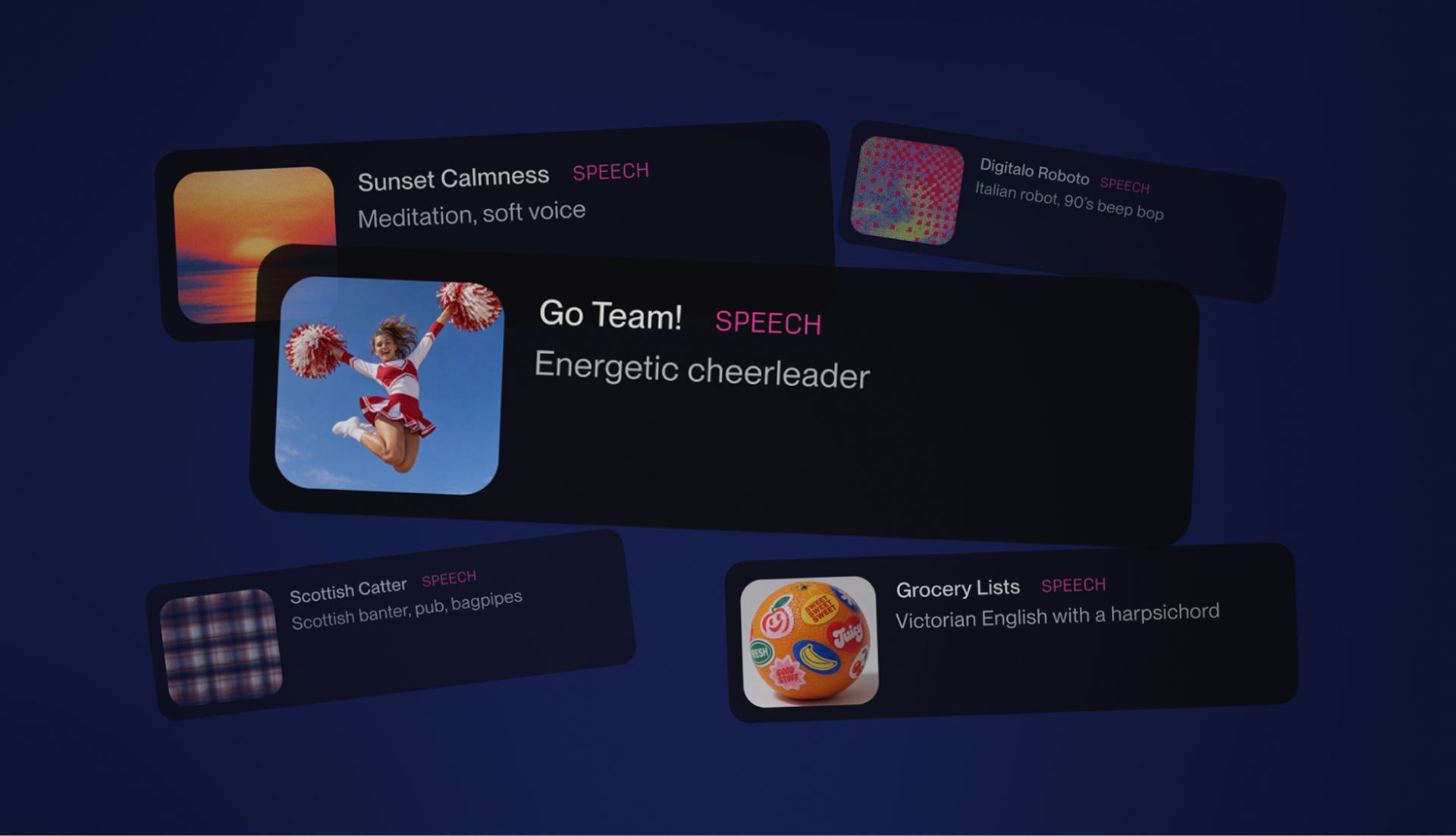
Jack Brody drew a wide line in the launch post: Speech isn't only for musicians, but also for people who "want to turn an idea into sound." Internally at Suno, the team already ran through these use cases while testing Speech—turning a friend's text message into an over-the-top dramatic reading, scoring an ordinary voice memo with epic music, and creating meditation guidance, poetry, bedtime stories for kids, and pep talks. In these uses, the voice is the lead, and the background music is just the supporting role.
This line extends naturally from existing Suno user behavior: every day, people use it to make birthday songs, wedding songs, inside jokes, worship songs, songs for kids and friends, and for moments that mean nothing to others but everything to themselves. Speech adds "voice + music" to that same list.
Whether that bet pays off comes down to three things. First, do non-musicians actually show up? The overlap between "people making Speech" and "people making songs" will show up in Suno's user demographics or community data, if it publishes them. Second, does the editor ship scenario templates like "meditation / bedtime story / ad narration"? The more detailed the templates, the heavier Suno's internal bet. Third, when does the audio length cap (currently ~8 minutes) get lifted? That's the hard indicator of whether it really wants to take on podcasts and audiobooks.
Open the web, write one sentence, hear what it sounds like
Suno put the Speech beta on web and mobile—just log in and use it. You can tell in the first 3 minutes whether it fits your needs.
Both Simple and Advanced paths are available; the only difference is whether you write a description or paste a script—the voice and background music are always synthesized into the same single track.
Start with a short script. Don't jump straight into an 8-minute job.
Log into Suno on web or mobile, find the Speech beta entry, and start with Simple mode—run a one-liner description (30~60 seconds).
Switch to Advanced mode, paste your own script (start with under 1 minute), try male and female voices and different speech styles, and compare how well the background music fits the voice.
Watch one quality signal: whether the accent drifts, whether the pauses are excessive. If so, note the timestamps, take screenshots, and re-test the same script after an official update to see if it's been fixed.
Lock in a real use case: use the most stable settings from steps 1–3 to produce a 1~3 minute finished piece—say, a podcast intro or a bedtime story—and save it as a baseline for future comparisons.
Follow Suno's official blog for Speech changelog updates. Features will shift during the beta; today's bug might be tomorrow's headline fix.
Be clear about the limits of what you can do: Suno hasn't said Speech has a standalone API, nor has it mentioned third-party plugin support. If you want to embed it into an existing workflow, check the official site for updates first.
Source: Suno official blog; signed by Chief Product Officer Jack Brody. The framing is the vendor's own introduction of its new feature, with beta-stage limitations voluntarily disclosed by the vendor.