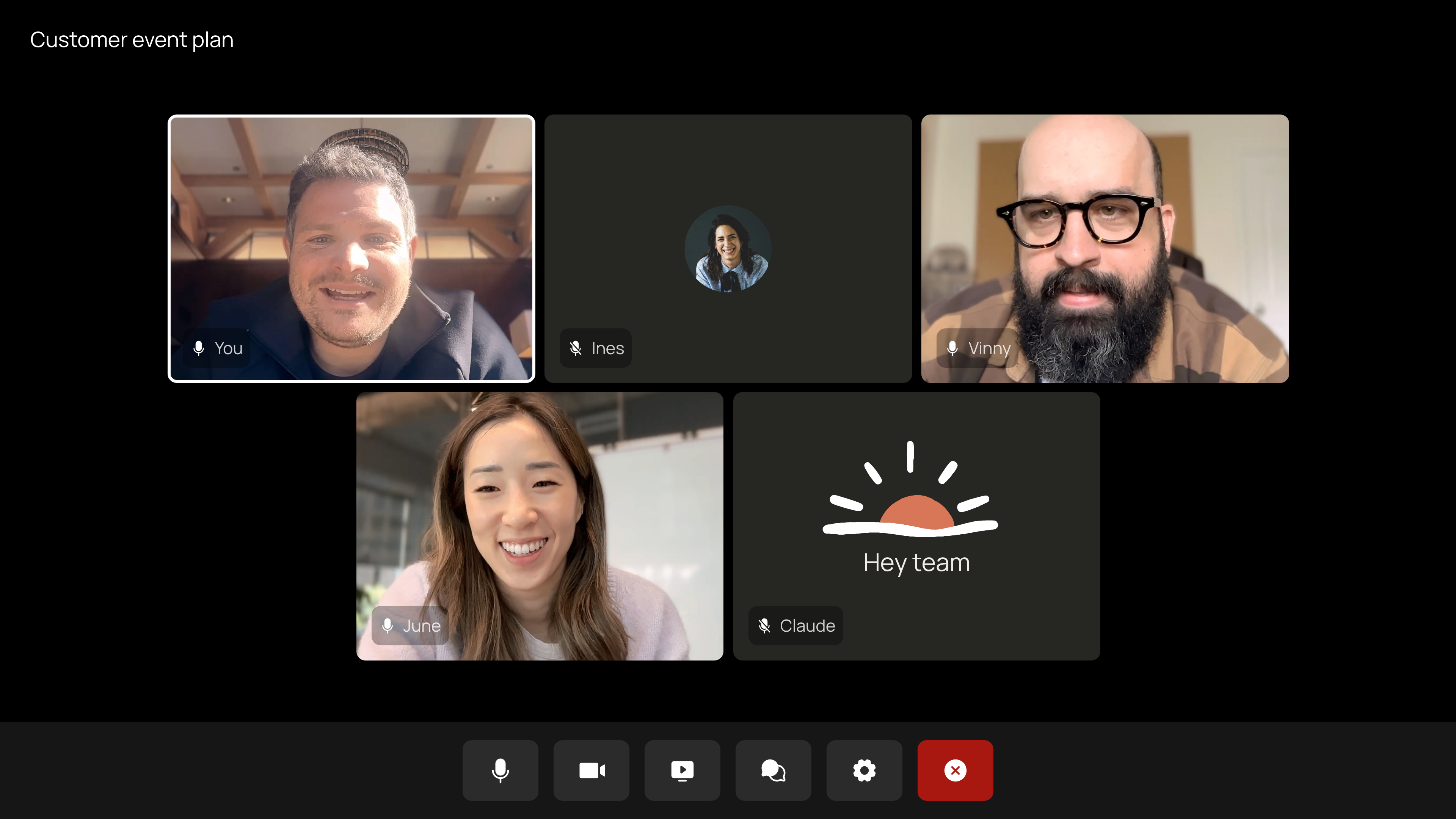
Claude can now join Google Meet as a visible participant, with documents, whiteboards, notes, and action items taking shape before the discussion even ends. By default, it responds only in text and asks the tool owner for permission before using a participant’s connected tools. When an invitation includes someone outside the organization, it stays out by default. Which meetings it can join, what it can access, and who approves tool access still depend on your plan, permissions, and guest policies.
What Does Claude Do in a Meeting?
Claude Meetings lets Claude join video calls as a visible participant. It does not speak and responds only in text by default, but the team can call on it at any point during the discussion.
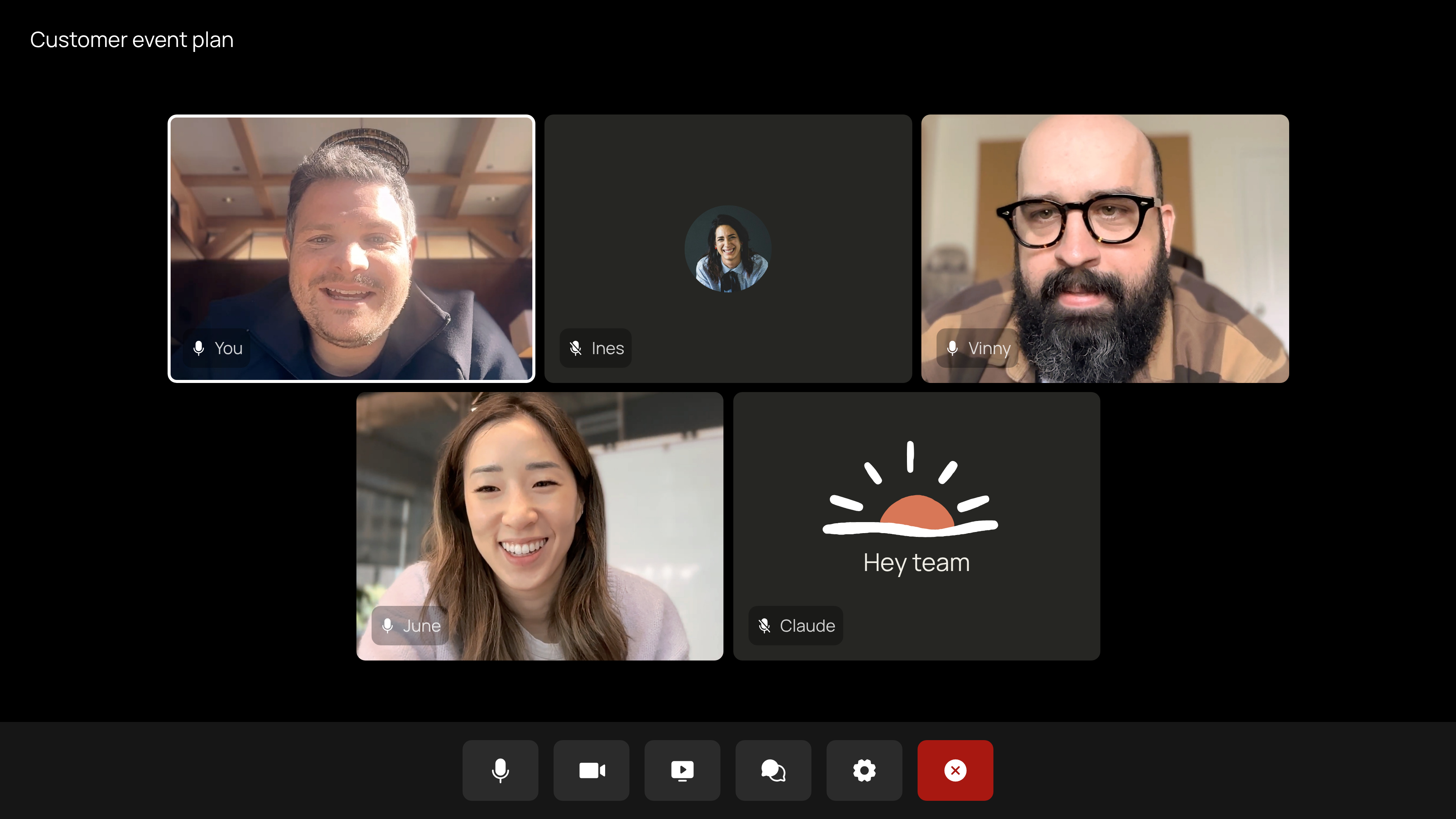
It joins as a visible participant(a member who can be directly seen in the meeting interface) and posts a notification in the meeting chat. Team members can ask questions aloud or type them in the chat. By default, Claude answers in text without using audio.
It can use tools you have connected, provided it receives permission. It asks on the first use, and that approval remains valid afterward. Voice prompts currently present an added complication: Claude must confirm the speaker’s identity every time. Responses posted in the chat are visible to everyone in the meeting.
Claude stores transcripts, summaries, and screen descriptions—not audio. Under the default settings, it stays out of a meeting whenever the invitation includes someone outside the organization. If an external person joins midway through, it leaves. Administrators can relax this restriction; in that case, Claude posts notifications in the chat but does not respond there.
Before the meeting starts, make sure everyone present agrees to being transcribed.
The Plan Can Change Before the Meeting Ends
Claude Meetings turns the event plans discussed by a team into editable working materials during the conversation.
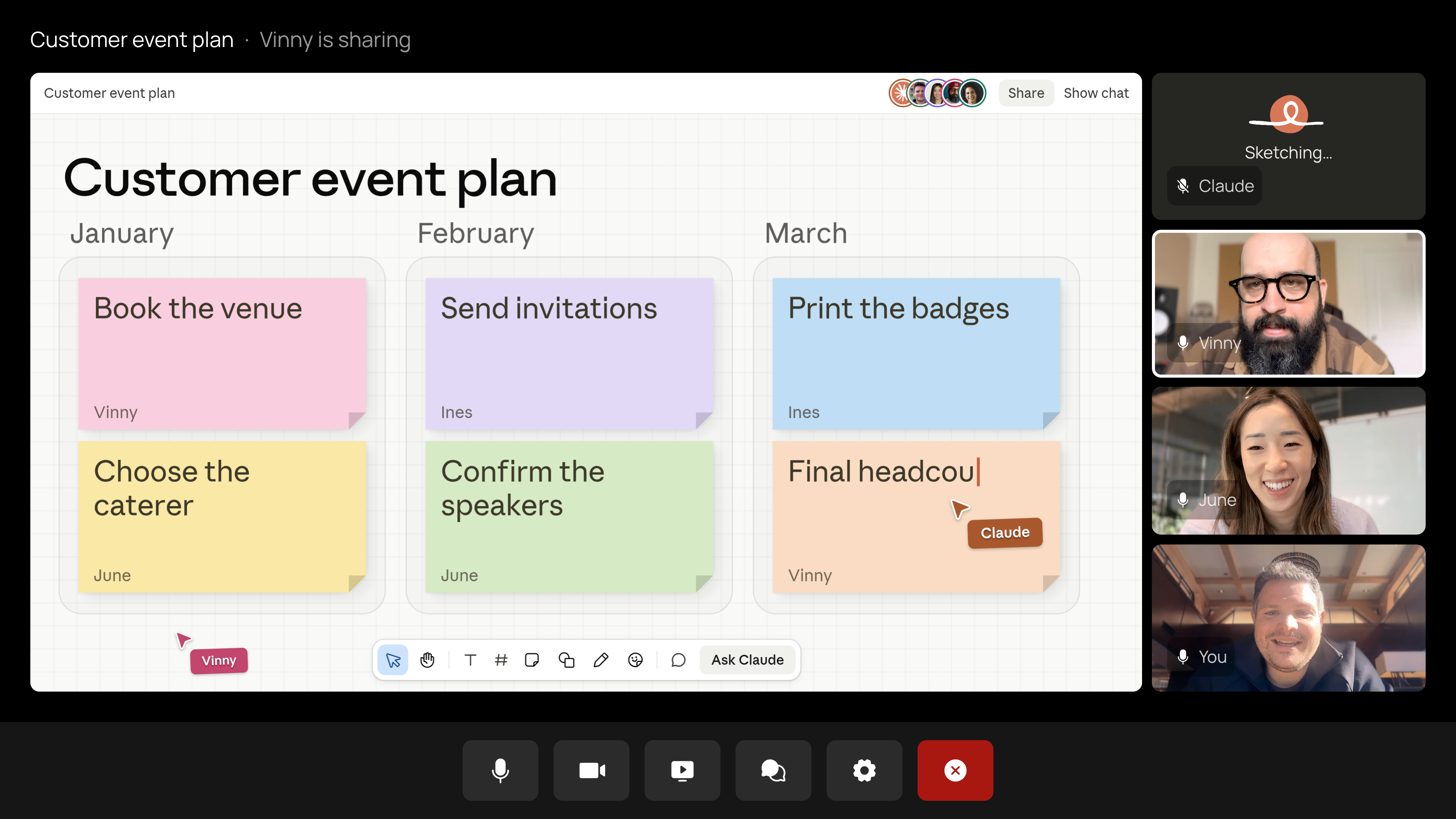
Anthropic’s example is concrete. A team is planning a customer event, and Claude is on the call. Someone says, “Claude, start writing a document for this plan.” Claude turns what the team has said so far into a document, and invited teammates can continue discussing while editing the plan.
The plan is not a locked final product simply because it has been given to Claude. While discussing the budget, someone asks Claude how much the event cost last year. It first seeks consent to look, then posts the result in the meeting chat for comparison with the current plan. When the schedule comes up, someone asks Claude to put it on the whiteboard, allowing the team to arrange the timeline alongside the document.
When the meeting ends, the notes, action items, plan, and whiteboard remain on the meeting page at claude.ai. You can return later to ask Claude about a meeting you attended or add it to your next meeting from your calendar.
How Does It Gain Access to Other People’s Tool Data?
Before using a tool connected by a participant, Claude does not treat “the tool is connected” as permission to read everything. It first asks the person who owns the tool. Once approved, it can retrieve the requested information and post its answer in the meeting chat.
Permission is granted per person rather than for an entire meeting. Claude asks before its first use of a person’s connected tools; once that person approves, the permission can remain in effect without requiring confirmation each time. Because it uses the tools each individual has connected, it must obtain that person’s permission.
Verbal requests add another layer of identity verification. Whenever Claude is called on by voice, it currently confirms who spoke again, because with several people’s voices in the meeting it cannot attribute a request to a particular person based solely on hearing “Claude.”
After receiving approval, Claude retrieves the required information and posts the result in the meeting chat — for example, the event cost from last year, posted for the whole team to review and compare.
The chat is not a private window visible only to the person who asked. Approval is per person, but the answers are public: Claude’s responses are visible to every participant in the meeting, and approved content may also be displayed in front of the entire group.
After the Meeting, the Record Can Still Be Edited
Claude creates a separate page at claude.ai for every meeting. What lands there is text you can keep working on — not the audio.
Three types of content are saved: transcripts, summaries, and screen descriptions. Transcripts reconstruct the discussion, summaries give a condensed overview, and screen descriptions record what Claude can recognize on shared screens. Audio itself is not saved, so there is no recording to replay.
Everything on the page stays editable. Notes, plans Claude drafted during the meeting, and the rest remain open to revision after the call — not a read-only archive. Team members can return to the page and edit it without rebuilding materials paragraph by paragraph from the chat log.
One boundary to settle before you switch it on: Anthropic reminds users that team members must confirm all participants agree to being transcribed, since the feature processes meeting content from the outset.
Pages use organization-wide collaboration permissions. Invited members can view the page and edit content created by Claude. To bring in other colleagues, share the meeting page directly with others inside your organization. Sharing stops at the organization — it does not open the page to external guests.
Can Claude Attend When an External Guest Joins?
Not by default. Whenever a meeting invitation includes someone outside the organization, Claude stays out. If an external person joins midway through, Claude also leaves rather than continuing to listen or process the discussion.
Administrators can change this setting and allow Claude to attend meetings that include external guests. This permission is an explicit administrator setting, not a temporary verbal approval from a participant. External guests continue to trigger Claude’s exit under the default settings.
Once permitted, Claude appears in the meeting as a participant and posts a notification in the meeting chat so external guests know that AI is present. It does not answer questions in the chat, but what external guests say still enters the notes and transcripts Claude generates and can be viewed later when the team revisits the meeting page.
Who Can Use Claude Meetings? Check Four Conditions First
Claude Meetings is available in Beta to Team and Enterprise plans, but being able to join a meeting does not mean every team or organization can use it directly. Before enabling it, check the platform, administrator settings, data configuration, and usage rules.
Invitations to Claude are enabled by default on the Team plan, and administrators can turn them off. On the Enterprise plan, administrators decide whether to enable the feature for all or some organizations. Team leads should check whether administrators have changed the default settings; Enterprise administrators also need to confirm eligibility so members do not discover that the feature is unavailable only after sending an invitation.
Google Meet is currently the only supported platform; other video-conferencing platforms are not yet available. Teams planning to use Claude on Microsoft Teams, Zoom, or other platforms cannot yet use the same meeting workflow. Anthropic says additional platforms are coming soon but has not provided a specific date.
Beyond platform support, there is a stricter limitation: certain organizations temporarily cannot use the feature. These include organizations with zero data retention(usage data is not permitted to be retained by the platform) enabled, a HIPAA-ready configuration, or customer-managed encryption keys(the customer controls the data encryption keys). HIPAA-ready refers to a compliance configuration for use cases governed by the US Health Insurance Portability and Accountability Act. Administrators must first determine whether the organization falls under these restrictions; an Enterprise subscription alone does not guarantee availability.
Billing during the Beta also has limits. Meeting notes, transcripts, and in-meeting responses are free on Team and Enterprise plans; however, responses that invoke an external tool connected by a team member count toward plan usage. Documents, whiteboards, and other outputs created by Claude during meetings are free until February 10, 2027.
Source: Anthropic’s official product blog, “Introducing Claude Meetings” (November 12, 2026); features, restrictions, and the free period follow the Beta announcement at launch and may change subsequently.