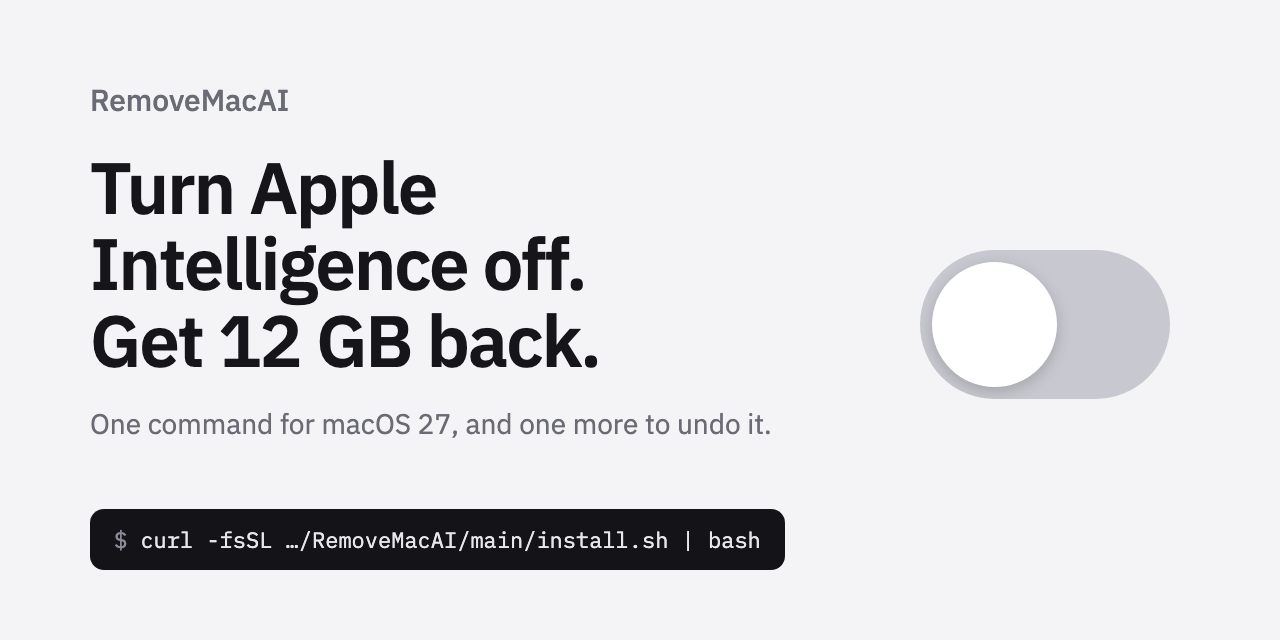
macOS 27 has removed the master toggle for Apple Intelligence—even if you turn the feature off in System Settings, the AI models remain on disk, and the system will quietly re-download them as needed. The open-source tool RemoveMacAI disables 16 features, deletes the local models, and blocks re-downloads with a single command. The entire process is reversible, and it requires Apple Silicon and macOS 27.0 or later.
The Master Toggle Is Gone, and the Models Refuse to Leave
macOS 27 removed the master toggle—turn off the feature, and several gigabytes of local models still occupy your drive.
macOS 27 Golden Gate no longer offers a unified off-switch for Apple Intelligence. That's the assessment from the open-source tool RemoveMacAI (GitHub repo omlahore/RemoveMacAI) in its README: the one-click kill switch that used to live in System Settings has been broken apart in this release. Even if users turn off every related feature one by one, the Apple Intelligence models already downloaded to the local drive won't be automatically purged.
For Mac users with tight disk space, this is a real problem. The Apple Intelligence models live on the system partition as "on-demand background downloads."
What RemoveMacAI does is disable those 16 features, delete the models, and block the re-download path.
The tool requires an Apple Silicon chip and macOS 27. It doesn't touch SIP(macOS's built-in system-level file protection), and once the configuration profile is installed, it survives across system updates. But the cost is equally clear: Siri, Writing Tools, Genmoji, image generation, the ChatGPT extension, and more all stop working.
The features are off—so why are the models still hanging around? And how does a single command send them packing?
Three Keys: Configuration Profile, Asset Service, and Port Blocking
RemoveMacAI doesn't cross the line or hack the system—it's using three keys that macOS itself provides.
Key one: write the policy yourself. Apple already lets enterprise administrators push restriction policies through a "configuration profile" (a settings package that writes system-wide policies), and RemoveMacAI writes Apple's own restriction keys into the profile.
Where no dedicated restriction key exists, it forcibly overrides the entry. At this step, the system shows a prompt for the user to manually confirm, which aligns with macOS's security design.
The entire process doesn't disable SIP (System Integrity Protection, Apple's system integrity protection that, when off, allows modifying system files) and doesn't touch any files under /System.
Key two: delete the models through Apple's own asset service (Apple's internal service that manages downloadable system resources). When you turn off the features, macOS simply stops calling the models—the files stay on disk.
RemoveMacAI uses that same asset service to delete five sets of models: the foundation model, image generation, Genmoji, Spatial Photos, Photos Clean Up, and Xcode code completion. The model list is read directly from the feature names Apple provides, corresponding one-to-one with the 16 features mentioned earlier.
Key three: local port spoofing. After the models are deleted, macOS quietly re-downloads them in the background, and several gigabytes come right back.
The profile rewrites each deleted model's download URL to point to a closed local port, so when the system sends a request, it gets only an empty response—the model can't come back. This is the root cause of why turning off the feature still eats disk space, and it's where RemoveMacAI does its real work.
The entire mechanism is fully reversible. Remove the profile, the restriction keys become inactive, the port hijacking disappears, and macOS re-downloads the models the next time the corresponding features are used.
The mechanism is clear—the next section covers how to take action.