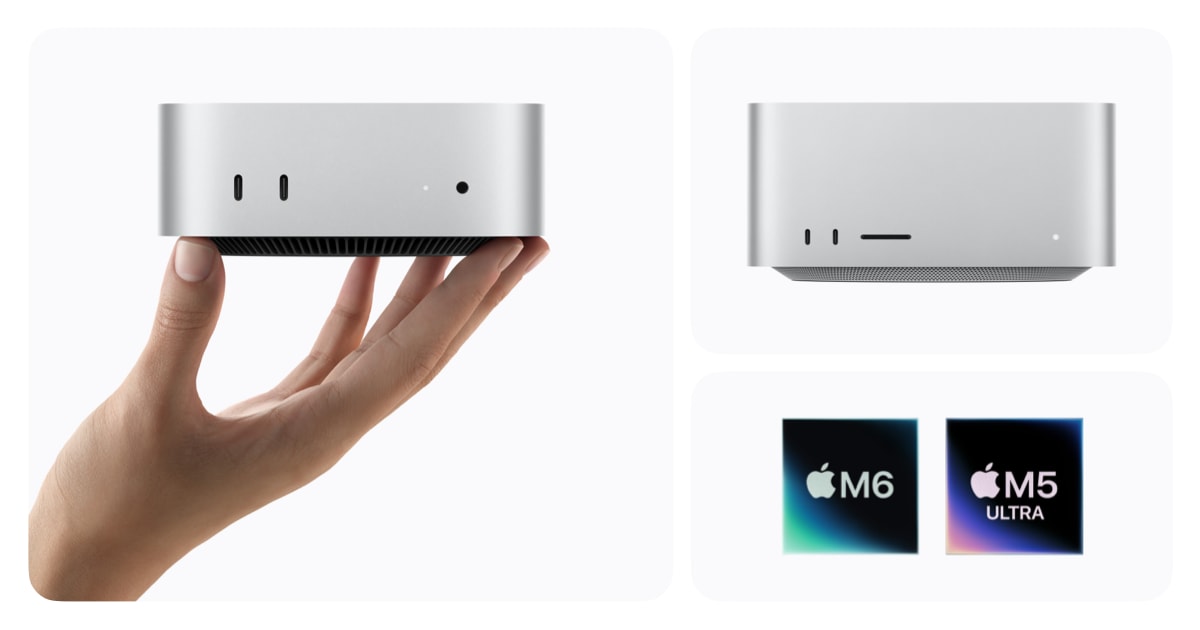
Today (September 23), Apple put the new-generation Mac mini and Mac Studio on shelves at the same time: the Mac mini debuts the M6 chip at $899, while the top-spec Mac Studio with M5 Ultra pushes unified memory to 512GB starting at $5,499. Both machines ship with macOS 27 Golden Gate, and Siri has been upgraded to Siri AI. Apple's claimed figures—"up to 4x AI performance" and "up to 4.3x"—are all vendor-stated numbers with no comparison models specified.
A $899 Little Box, a $5,499 Tower
The Mac mini is Apple's most versatile desktop; the Mac Studio is Apple's most ferocious workstation—same chip generation, two ways to work.
This time, the Mac mini gets the first-ever M6 at a starting price of $899, which is $300 more than the previous M4 Mac mini's $599 starting price; the M5 Pro variant shown alongside it is set at $1,699. The education price starts at $799.
The Mac Studio takes a different path. The M5 Max version starts at $2,499, while the M5 Ultra jumps straight to $5,499—the most expensive machine in this batch.
Both are on sale today simultaneously at Apple Store retail locations, Apple's website, and the Apple Store app. As for what that extra money gets you, the next section breaks it down.
What Separates $899 from $5,499? It All Comes Down to the Chip.
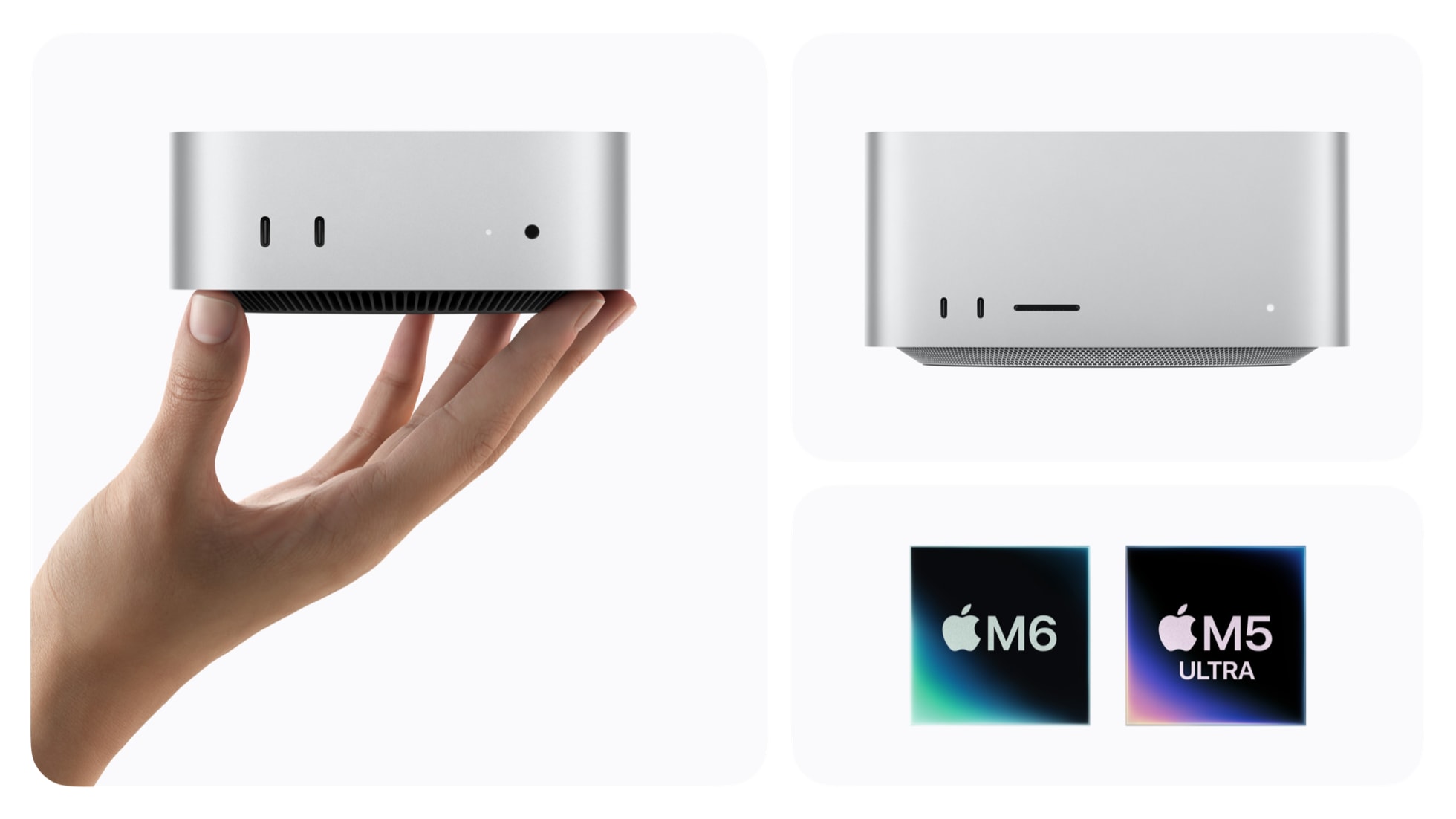
Four chip tiers: one line handles daily tasks, the other targets local large models. The M5 Ultra brings 512GB of unified memory to the desktop for the first time.
The M6 in the Mac mini features a 12-core CPU, 12-core GPU, and 16-core Neural Engine (dedicated hardware for AI inference), starting at 16GB of unified memory with 32GB at the top end, and 170GB/s memory bandwidth. The box also includes 2.5Gb Ethernet, Wi-Fi 7, and Bluetooth 6.
Step up to the M5 Pro and specs climb: 18-core CPU, 20-core GPU, 64GB memory ceiling, and 307GB/s memory bandwidth. Apple explicitly positions the Mac mini + M5 Pro for heavy workloads like video editing and game development—for those wanting to run local AI agents (AI programs that autonomously break down tasks and execute them continuously) on the desktop, this is the top configuration available on the small-box line.
The workstation line jumps to the Mac Studio starting at $2,499: the M5 Max delivers an 18-core CPU, up to a 40-core GPU, and 128GB of memory; the M5 Ultra starting at $5,499 tops out at 36-core CPU, up to 80-core GPU, and 512GB of unified memory, with 1.2TB/s memory bandwidth. Both the Mac mini and Mac Studio hammer the same point: on-device AI—AI models running directly on this machine, not the cloud. The 512GB tier is truly designed for local large models: Apple mentions that AI researchers can use it to run full-size LLMs (large language models) entirely on-device.
Applying the same thinking to the Mac mini: 16GB to start covers daily tasks and small models; 32GB at the top end buys you more headroom. The real new thing in the M6 is that every GPU core has a built-in Neural Accelerator—AI tasks no longer only route through the Neural Engine; there are dedicated circuits inside GPU cores to shoulder inference load. This same approach exists in the M5 Pro and is the hardware foundation that lets this generation of Mac mini shout about on-device AI.
512GB of Memory: Impressive Numbers, All Stated by Apple Itself
4x, 4.3x, 1.8x—these multiples sound stunning, but all the footnotes belong to Apple, with no comparison models listed.
The Mac Studio's top-spec 512GB of unified memory is the first time Apple has brought this spec to a desktop machine. Unified memory(CPU and GPU share the same memory pool, so models don't need to shuffle data between hardware) hitting 1.2TB/s bandwidth means large model weights can sit directly in memory and run without repeatedly traversing the PCIe bus—in theory, 70-billion-parameter-class model inference no longer requires an external GPU cluster. Apple's pitch is direct: let AI researchers "run massive LLMs entirely on-device."
The problem is that all these multiples come from Apple's own test methodology. Which previous generation does the M6 Mac mini's "up to 4x AI" compare against? Not stated. The Mac Studio M5 Ultra's "up to 4.3x AI, up to 1.8x graphics" footnotes 3 and 4 likewise point to Apple's own testing page, with no comparison models disclosed in the press release body. Third-party independent media haven't received review units to verify, meaning these multiples are currently Apple's unilateral claims—take them with a grain of salt.
The China-region Mac mini page does offer one comparable number: the M6 delivers "up to 4.8x" versus the M4. But this 4.8x is provided by Apple in the "AI performance" context on the China website, and Apple hasn't clarified whether it corresponds to the same test item as the "up to 4x AI" in the main press release. With conflicting numbers on both sides, Apple is selectively showcasing the most favorable data across different regions and pages.
The hardware upgrades themselves aren't controversial; what's controversial is Apple packaging marketing numbers like "4.3x" alongside hardware improvements, making it easy for consumers to conflate vendor test results with real-world experience differences. What should actually drive purchase decisions is whether the memory capacity is enough to run your target models locally—not these footnoted multiples.
When One Machine Isn't Enough, Cluster Them: Mac Studio's Ambition
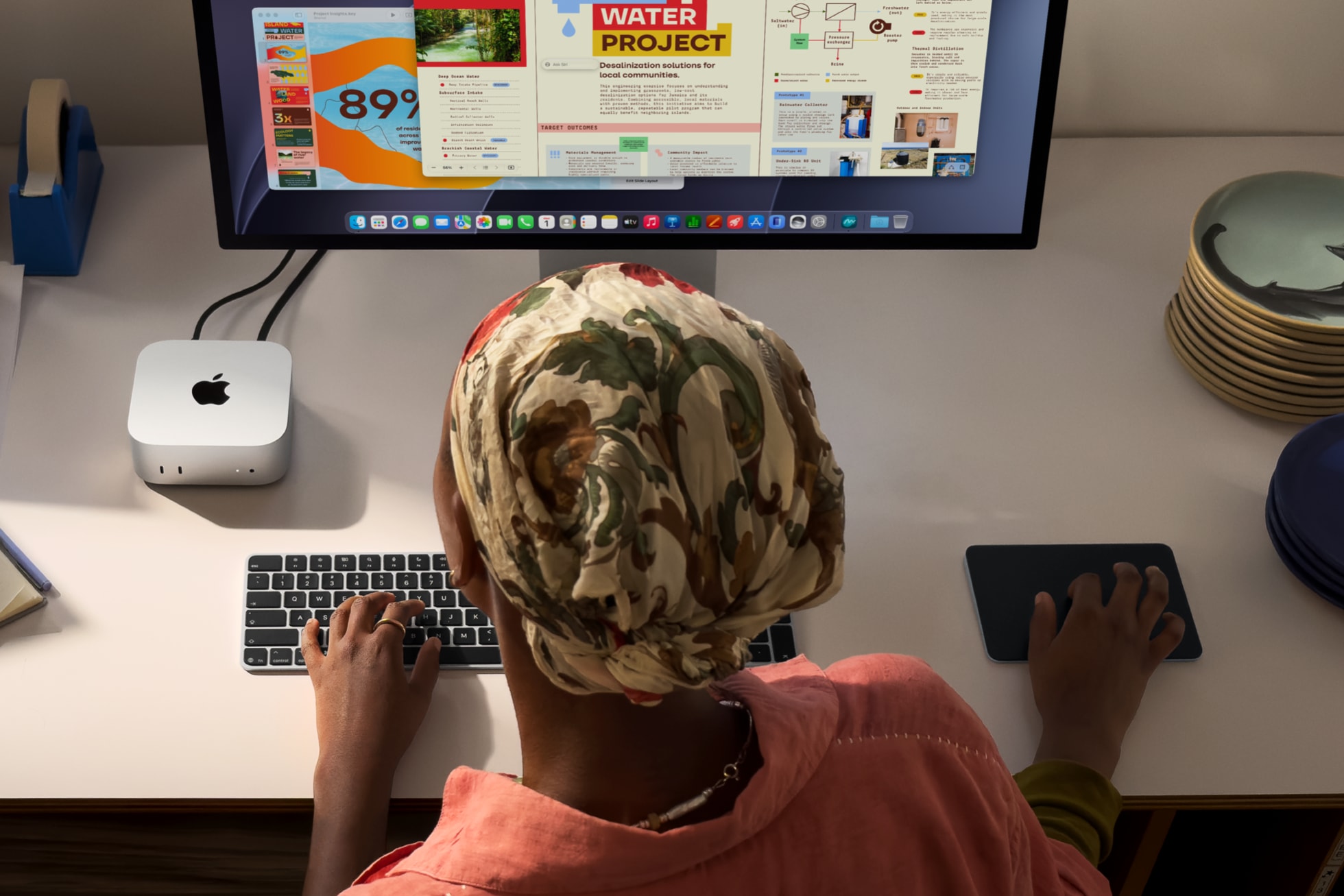
What Apple is going to sell next isn't a faster desktop—it's the ability to "string two, three, or more Mac Studios together into one bigger machine."
The key turning point is RDMA(Remote Direct Memory Access, letting two machines read and write to each other as if sharing the same memory) over Thunderbolt 5: multiple Mac Studios can be linked into a cluster to run distributed AI inference.
Official figures offer a direct comparison: versus a single machine, the cluster approach can now deliver up to 3x faster performance. This footnote carries the "3" marker, the same superscript group as the M5 Ultra's "4.3x AI performance"—all from vendor self-testing with no third-party verification. It's also a "speed multiplier" narrative, but the 3x emphasizes scalability itself: single machines have a ceiling on hardware stacking, while the cluster logic is horizontal—add another one.
Viewed in the 2026 desktop AI context: larger-parameter LLMs(large language models, the type behind ChatGPT and similar chatbots), multi-model parallelism, agent cluster scheduling—even the most expanded single-machine memory hits a wall. RDMA's value lies in pooling the memory of multiple machines over a high-speed channel, bypassing the latency overhead of traditional network stacks. This move shifts the desktop workstation from a "single-machine compute race" into a new dimension of "stackable small clusters."
Echoing this, the Chinese version of the Mac mini product page hides a tell: it mentions users can "run multiple AI agents on a Mac mini cluster" using tools like exo and LM Studio Bionic. In other words, the cluster approach isn't exclusive to Mac Studio—the Mac mini has an entry ticket too, just with weaker bandwidth and per-node compute.
Three types of signals worth watching going forward:
Official statements on cluster limits. Current materials only say "multiple machines" and "3x," without specifying how many can be linked or what topology. This is a clear gap to fill—if Apple provides concrete numbers (recommended node count, maximum scale) in later technical docs or developer events, it signals this path is real; vague language suggests it's more of a demo showcase.
Third-party benchmarks. The real latency, throughput, and cross-node memory consistency of RDMA clusters haven't been independently tested on Apple Silicon. The vendor's 3x is a starting point, not a conclusion.
Software-layer support. Whether macOS 27 natively provides cluster scheduling APIs, and whether developers can schedule unified memory pools across multiple Mac Studios in Xcode the way they schedule GPUs, will determine whether this feature is a niche geek toy or a genuine default workflow option.
Conditions for the thesis to hold: third-party benchmarks reproducing the 3x acceleration range, Apple disclosing maximum cluster node count, mainstream AI frameworks (e.g., PyTorch MLX backend) natively supporting cross-machine unified memory addressing. Conditions for it to fall apart: only official figures persist long-term, third parties measure significant shrinkage, Apple quietly downplays the RDMA cluster narrative in later macOS releases. In the short term, this line looks more like a directional signal than immediate firepower.
macOS 27 Golden Gate Arrives Alongside the New Hardware Today
Buying the machine is just the start; the desktop work runs on the system. macOS 27 Golden Gate wires AI into three of the most-used entry points: Siri AI, Safari, and Shortcuts.
The new machines are available for order today through Apple Store retail, Apple Store online, and the Apple Store app. The first thing you can do is power on and check out the new OS. Once booted, focus on one place first: Siri AI.
It can pull context across Mail, Photos, and Messages—meaning asking "who did I send that screenshot to last week" will have it dig through Mail and Messages to find the answer, rather than just returning a web link. This is different from the old Siri that only looked at the current app.
The second thing to try right away is Safari. It can automatically organize tabs by topic. To test manually, toss a bunch of open tabs at Safari and let it group them into clusters like "Work," "Shopping," "Research"—see how accurate the grouping is and whether the topic names match your intuition. No patch needed; just open the browser.
Third is Shortcuts. It now supports generating automations from natural language—type something like "every day after work, send today's screenshots to a designated note" and the system builds the shortcut itself, no manual block-dragging. Worth testing is whether it can recognize fuzzy time conditions like "after work," and whether the trigger (manual or location-based) can be nailed in one go.
Open Siri AI and ask a question requiring cross-app retrieval (e.g., "who did I send that screenshot to last week"); observe whether it can simultaneously call Mail, Photos, and Messages as data sources.
Open 10+ Safari tabs on different topics and test the auto-grouping by theme; see if the topic names match your mental model.
In Shortcuts, describe a desired automation in one natural-language sentence (e.g., "every day at 6pm, send today's screenshots to a designated note") and see if the system can produce a runnable shortcut in one shot.
Compare the M6 Mac mini's base config (16GB memory) with the M5 Pro's 64GB memory ceiling; assess whether your daily workflow will hit a memory wall, especially when running local AI models.
Source: Apple Newsroom (official press release). Methodology note: All performance figures cited in this article—"up to 4x," "up to 4.3x," "up to 1.8x," etc.—are Apple's own test results, with comparison models not specified in the press release body and no third-party independent verification available; discount when citing.